
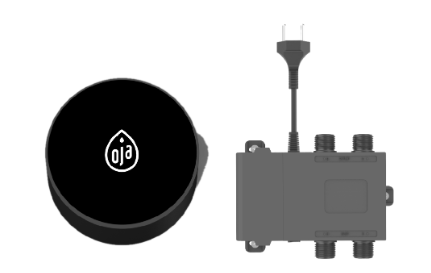
AquaTouch – Wireless touch control for reverse osmosis systems
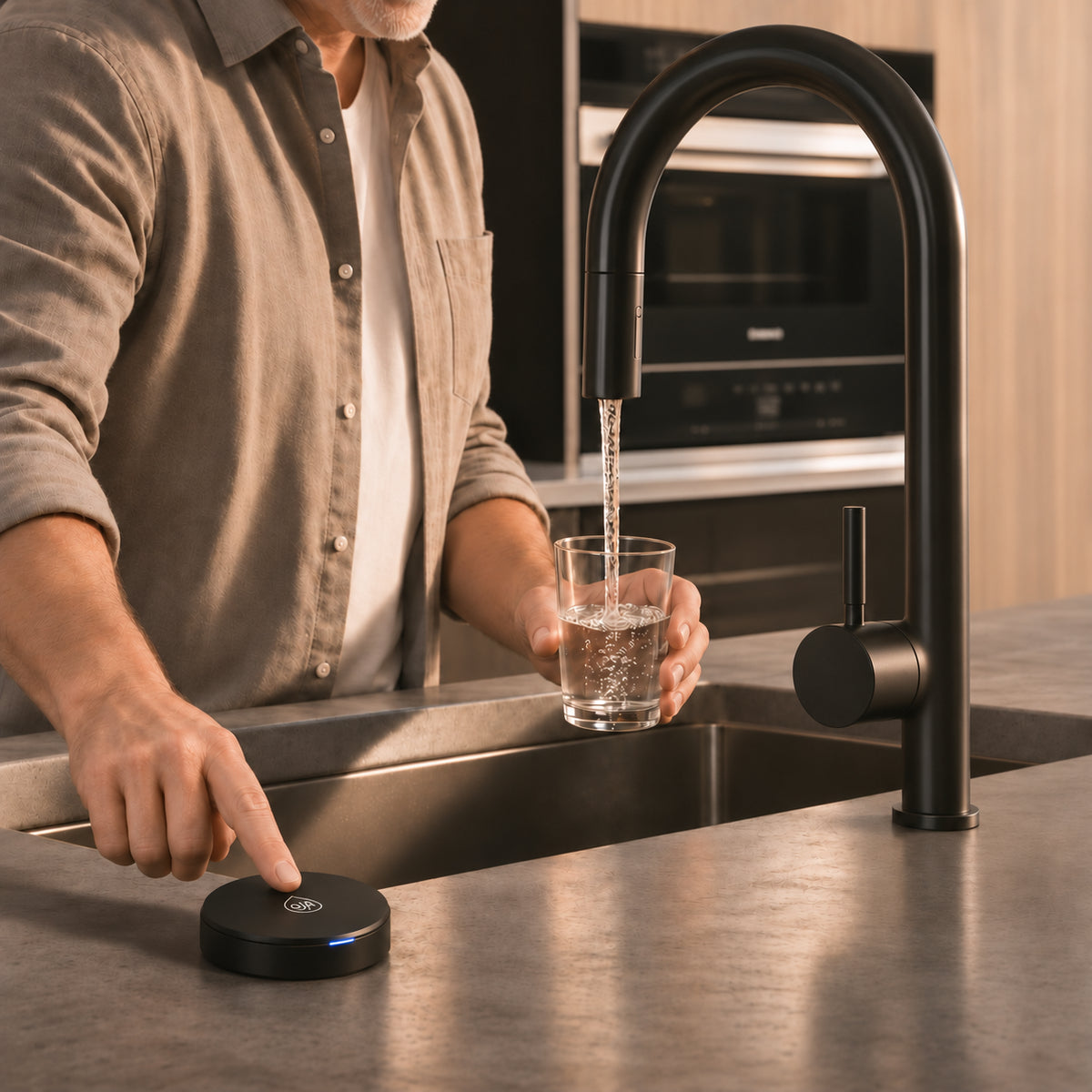
Keep your mixer tap and dispense reverse osmosis water without drilling into your worktop. Place the wireless sensor by the sink. Turn your mixer tap to cold, then touch the sensor to switch to reverse osmosis water.
The control unit fits under the sink and directs water from the reverse osmosis system to your mixer tap. Use the tap handle to adjust the flow as usual.
Turn your mixer tap to cold, then briefly touch the sensor to switch to filtered water. Touch it again to return to tap water. Use the tap handle as usual to turn the water on or off and adjust the flow.
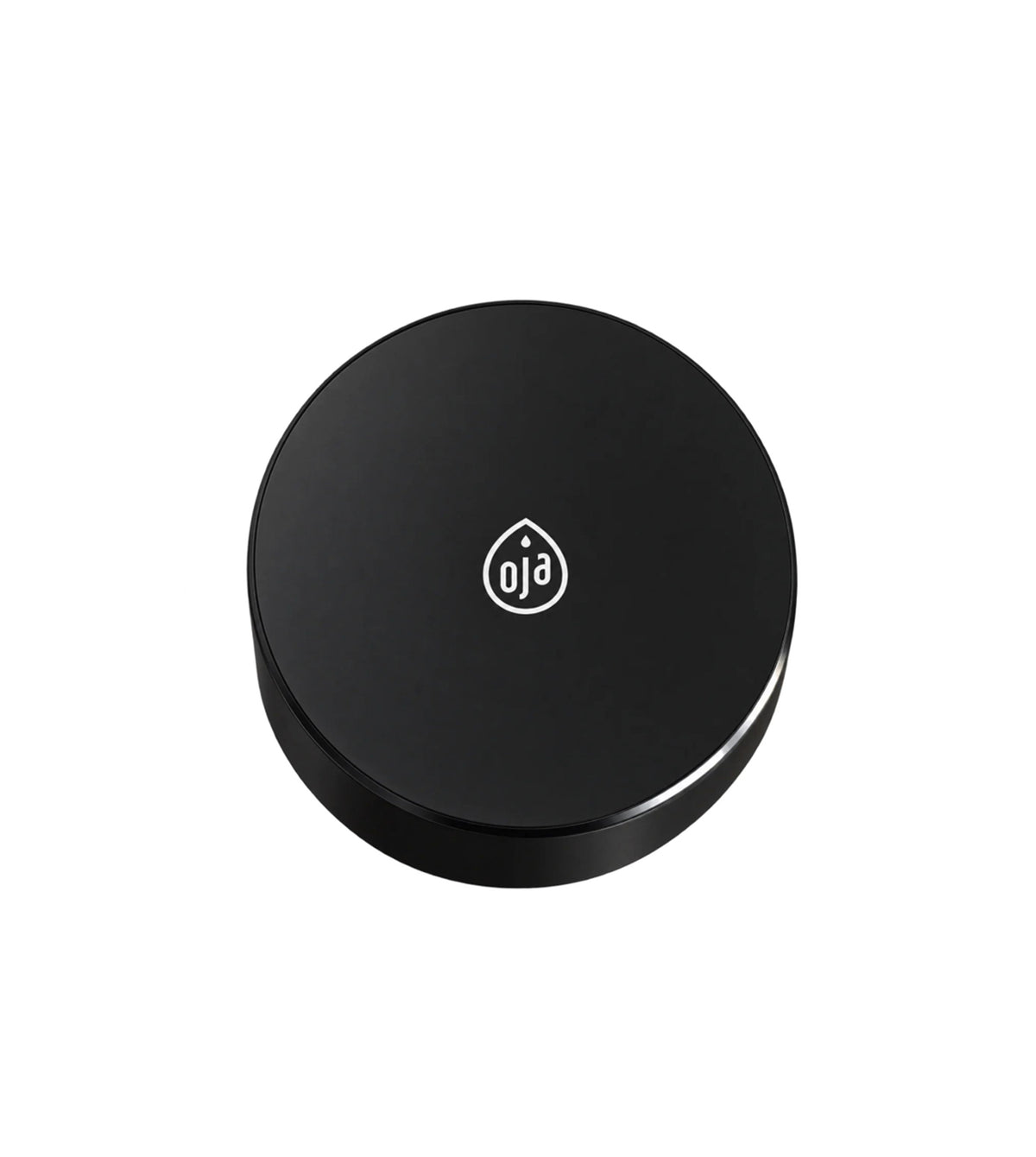
- Touch sensor Ø 60 × 31 mm, IPX6, 2 AAA batteries included.
- Control unit 160 × 120 × 57 mm, IPX4, power adapter included or 4 AA batteries (not included).
- Wireless range up to 8 m without obstructions.
- Operating pressure 0.5 to 7 bar on the cold water supply.
- Automatic shut-off after 3 minutes.
The control unit connects to the cold water supply, the reverse osmosis outlet and the mixer tap’s cold water hose. Mount it vertically in the cabinet under the sink, away from splashes. Place the wireless sensor by the sink, on the worktop or on a suitable magnetic surface.
If you already have a compatible reverse osmosis system, check the connections and available space. Fitting AquaTouch is included if you choose professional installation.
- Wireless sensor with two AAA batteries and mounting magnets.
- Control unit with a solenoid valve and check valve.
- Power adapter, inlet and outlet fittings and seals.
- Mounting screws and user manual.
A compatible reverse osmosis system is sold separately.
The technical sheet contains French, Dutch and English in a single document.
Contact customer service when the 12-month service reminder appears. After 13 months, filtered water is paused until a technician resets the unit. Tap water remains available.
Just one tap with AquaTouch
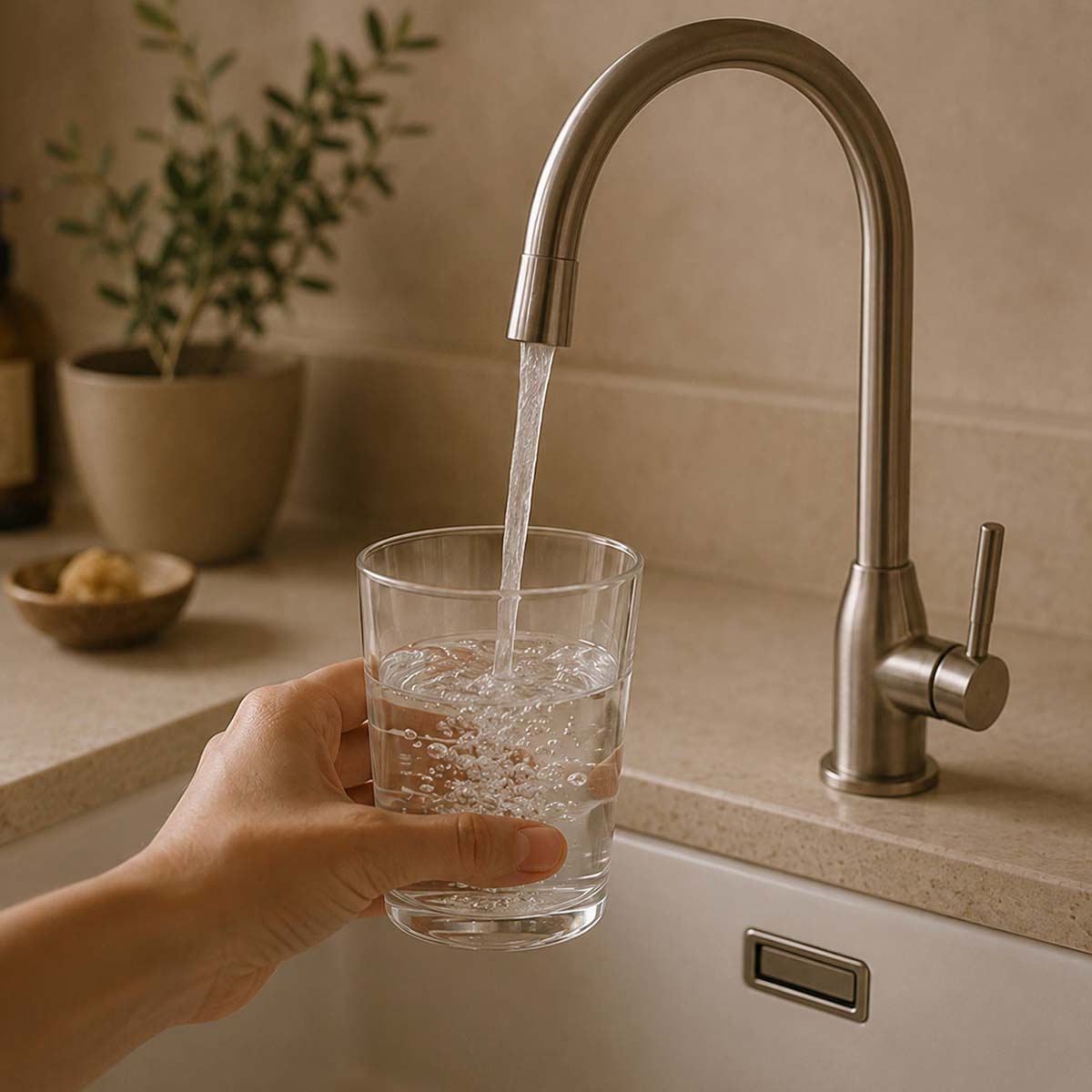
Filtered water can come from a dedicated tap or directly from your mixer tap. Here’s what that means for your worktop.
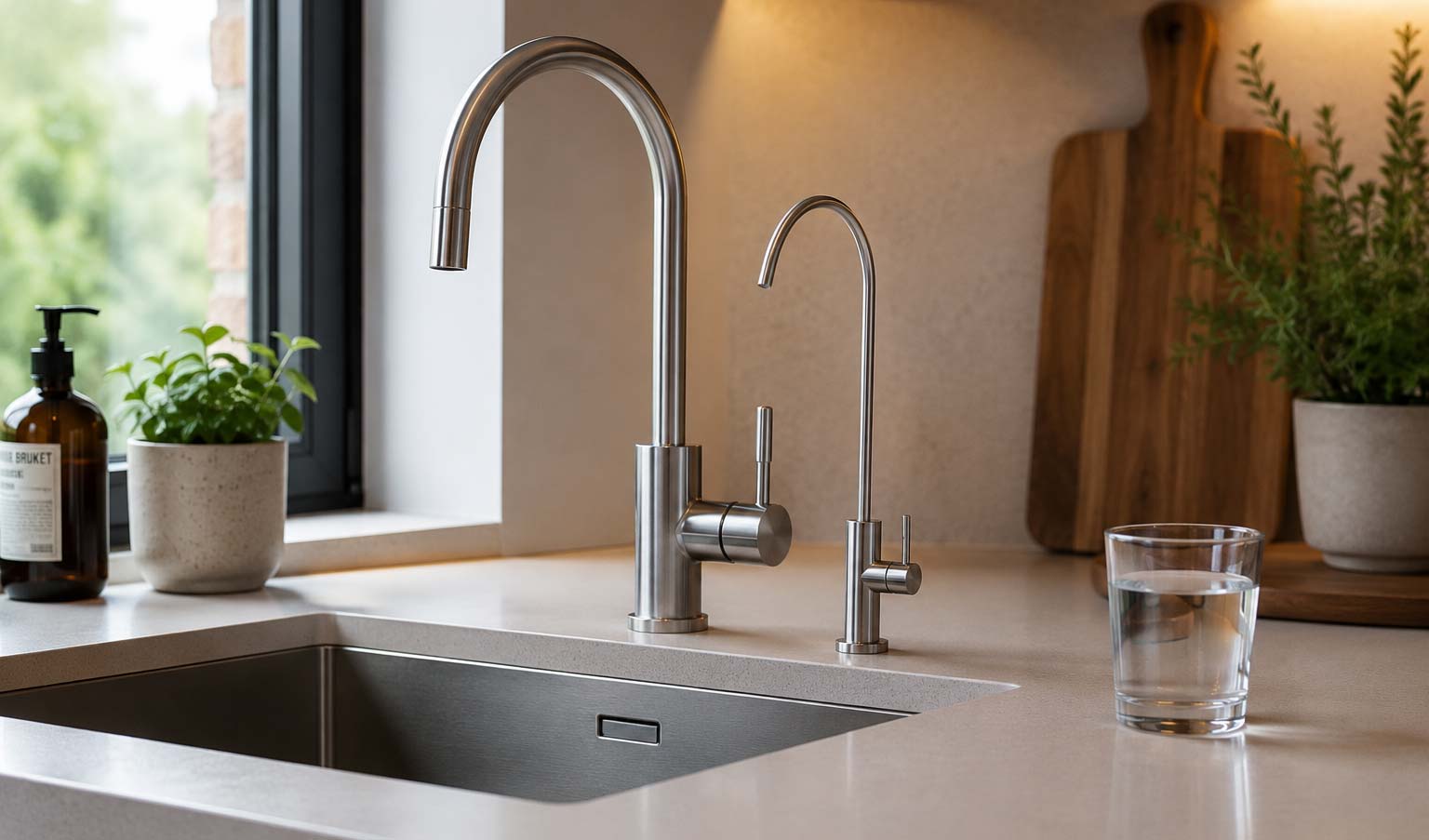
With the included one-way tap
The dedicated tap sits next to your mixer tap. If your sink or worktop has no suitable opening, you’ll need to make one.
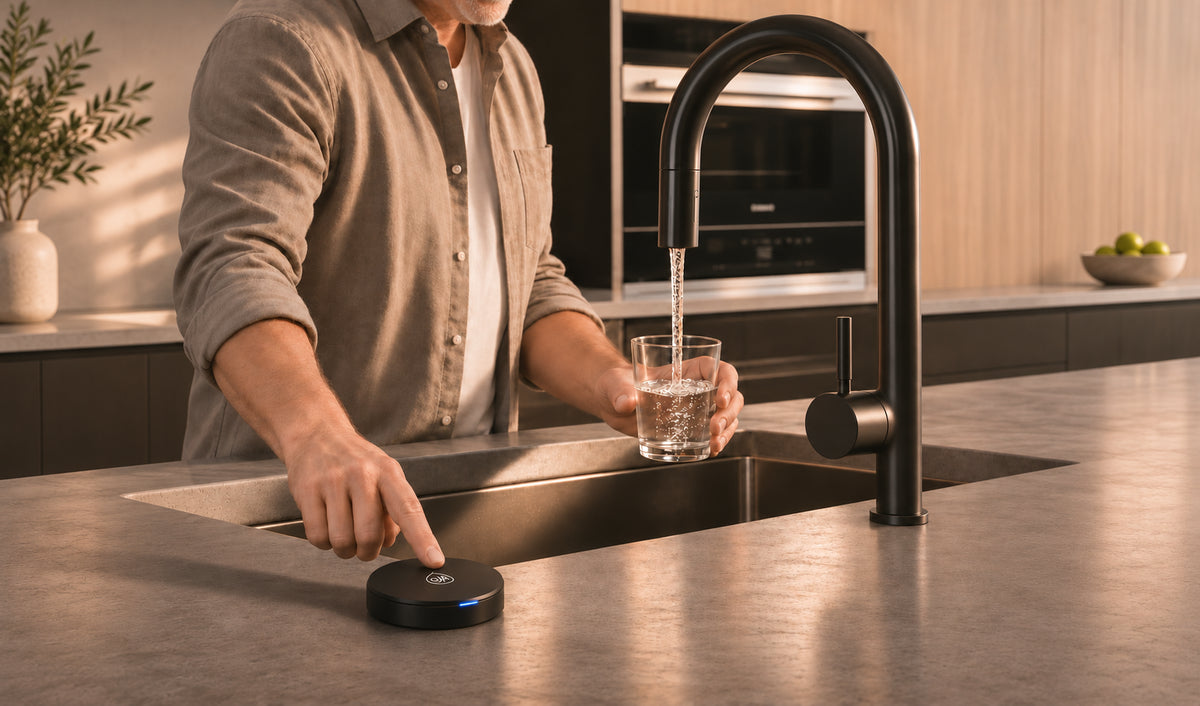
With AquaTouch as an option
Place the sensor by the sink. Your mixer tap also dispenses filtered water, with no second tap or drilling required.
Switch between filtered water and tap water
Turn your mixer tap to cold. Use AquaTouch to choose the water source and the tap handle to control the flow.
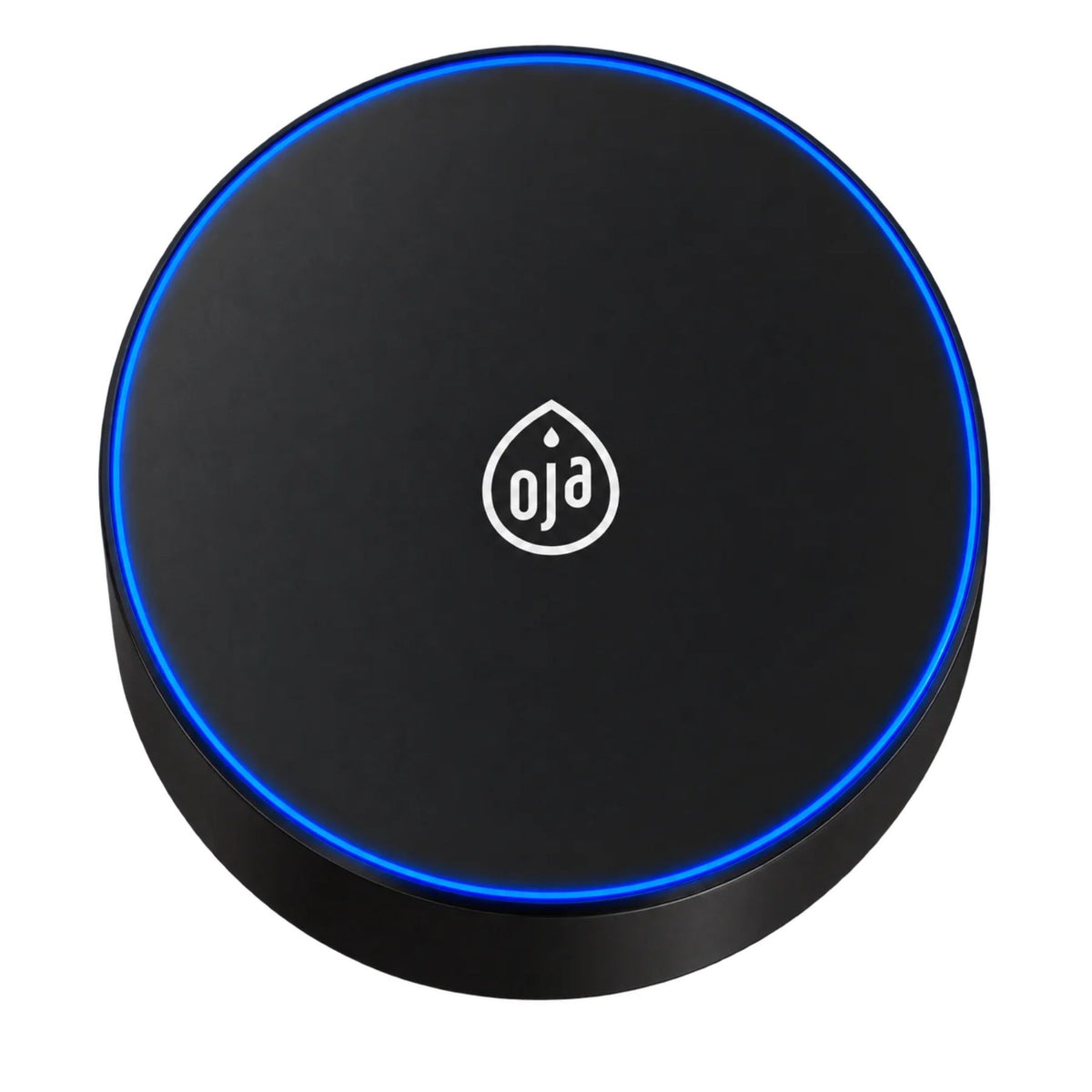
Blue ring · filtered water
Touch the sensor to switch to filtered water. The ring flashes blue. Filtered water mode stops automatically after 3 minutes.

Green ring · tap water
Touch the sensor again to return to tap water. The ring glows green for 3 seconds.
Keep your mixer tap
The control unit connects beneath the sink to the reverse osmosis system and the mixer tap’s cold water inlet. A check valve keeps tap water and filtered water separate.
Place the sensor on the worktop or attach it to a suitable magnetic surface. It connects directly to the control unit without Wi-Fi or an app.
